Monday Morning Rescue: Mebot & Leo

Peng Yi
Say goodbye to the grind. ☕️✨ See how Mebot turns chaos into a clear brief for experts like Leo. #FutureOfWork #Productivity #AI #StartupLife

It starts the same every Monday morning—coffee barely cool, inbox already boiling. The grind, that relentless buzz of gray blocks and blurred lines, wraps around me before my mind even catches up. It’s not just work; it’s the chaos, the endless documents, the noise that’s impossible to unravel. I stare out at the wall of unstructured data, knowing the system isn’t going to fix itself. Who’s supposed to save the day, when it all looks the same shade of overwhelm?

Then—this time—something changes. On my screen, the familiar haze breaks, white light pushing back against the static: Mebot just showed up. It’s like breathing after holding your lungs shut for too long. Mebot filters, files, and asks, ‘What do you need?’—like an interface that actually listens, not just another feature in the fog. I catch myself exhaling, shoulders unwinding as questions get ticked off, my thoughts taking form, brief by brief.

With each click and answer, the vision sharpens; that once-blurry wall becomes a clear, bullet-pointed demand. Sending it out feels different now—no more pinging into the void and hoping for a miracle. This time, Leo—the expert—gets the ping. The reply comes with a green checkmark and the quiet certainty that, finally, things are actually moving forward. No more doubt, no more gray: just readiness, and the satisfying weight of clarity.

Because maybe the chaos of Monday isn’t the end of the story—maybe, with the right help, it’s the start of getting things done.
This captivating visual storyby Peng Yiwas brought to life withReela, theAI video generatorthat empowers creators to produce engaging content effortlessly.
Keyframes
Storyboard image 1Storyboard image 2Storyboard image 3Storyboard image 4
Video Script
00:00
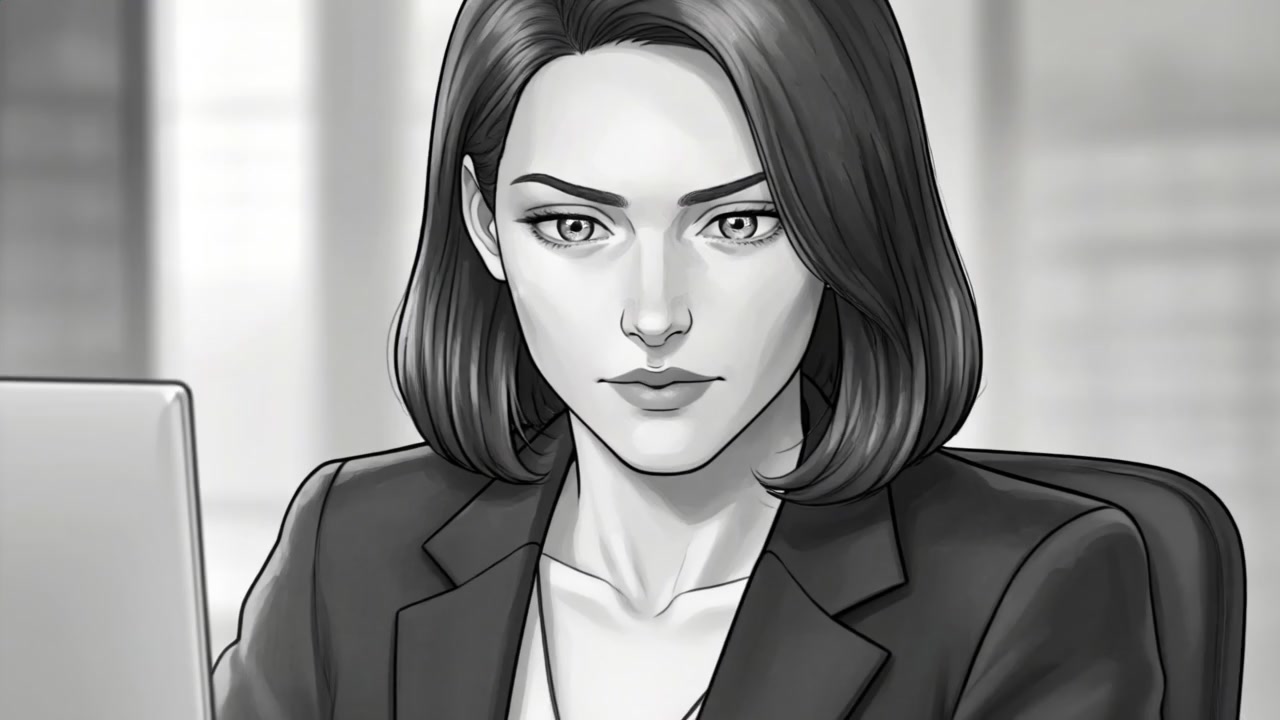
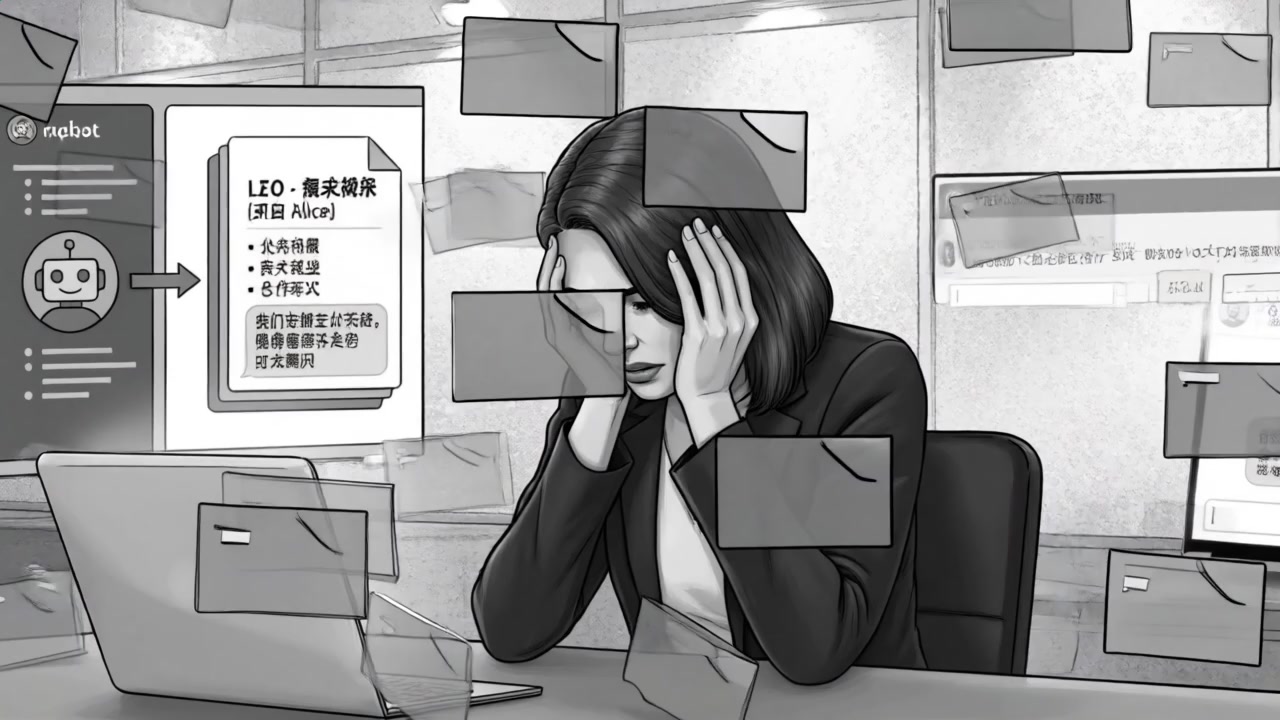
Medium close-up: Alice at her desk, head in hands, bathed in grainy gray textures. Digital documents float messily around her. The environment is tense, heavy.
Monday morning grind
Comic-style panel, strong central focus. Foreground cluttered with holographic folders. Static, no camera movement; heavy shading.
00:03
Close-up: Alice’s eyes, wide and tired, reflecting dull gray code on her laptop screen. The blankness conveys exhaustion.
staring at the gray
Tight crop on her face. Reflection overlay in her pupils; static camera, vignette edges.
00:06
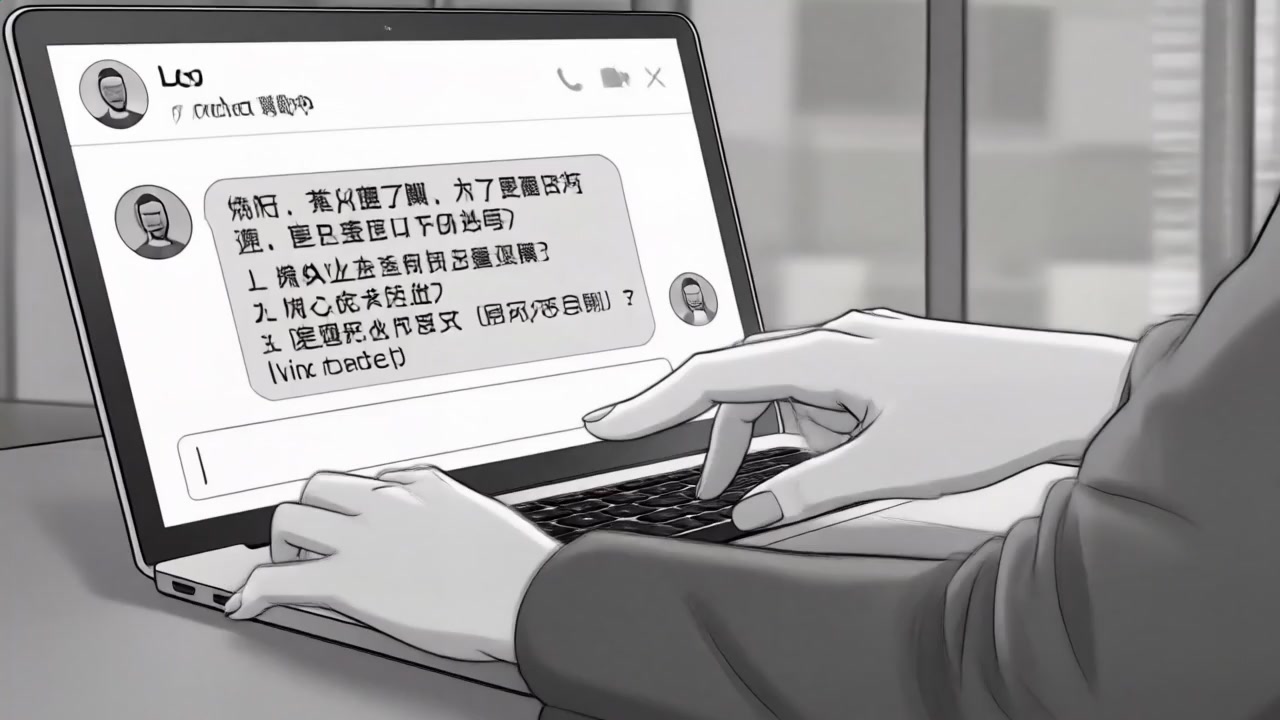
Alice types frantically; the screen appears to glitch and distort, showing a broken system, tension rising.
System needs a fix
Fast-cut, slight shake; layer of comic glitch lines, focus on hands and keyboard.
00:08
Alice looks up and sighs. The office backdrop dissolves into abstract, blurry gray shapes, emphasizing her isolation.
who can save the day
Pull-back, slight Dutch angle. Background transforms to abstract, tightening on Alice’s anxious expression.
00:11
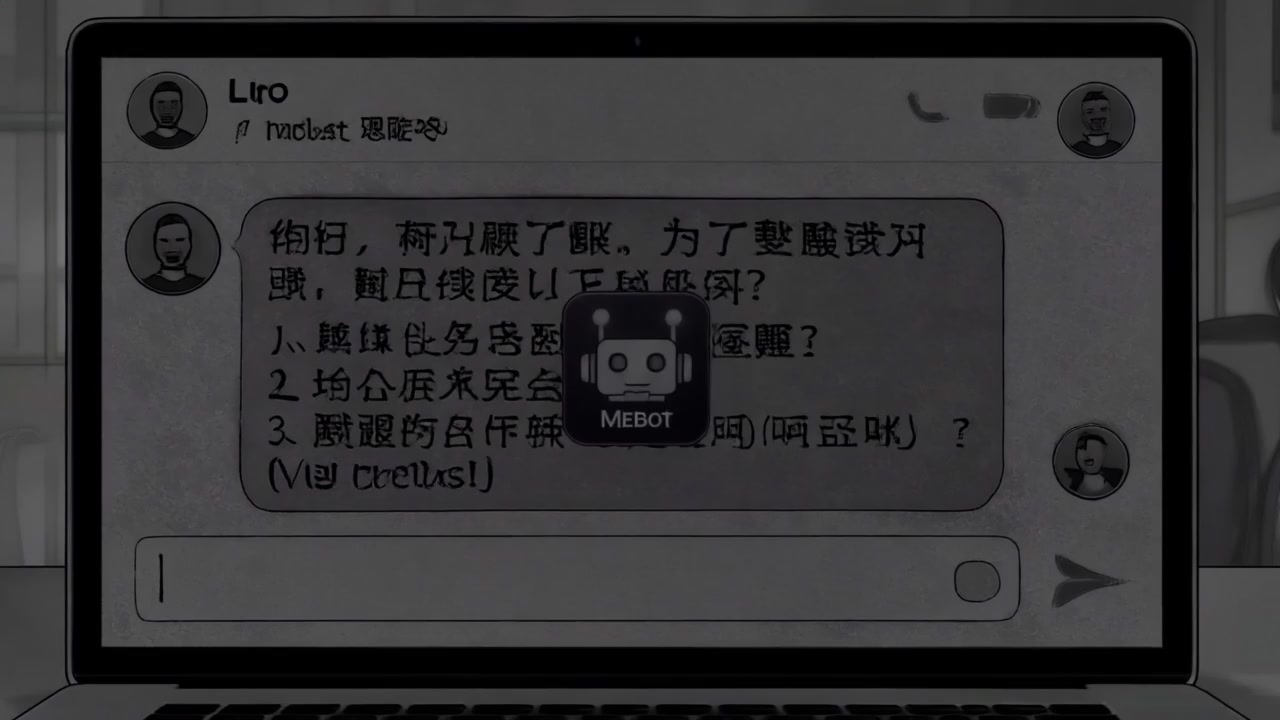
Transition to laptop screen. The Mebot icon animates into view, radiating white, clearing the static on screen.
Enter Mebot now
Animated overlay, focused center framing. White glow vs. gray noise, cinematic fade-in.
00:13
Animation: messy text blocks slide into neat folders; the interface is now clean and organized.
filtering the noise
Top-down view of digital workspace. Rapid sliding motion, crisp lines, sharp comic paneling.
00:14
Chat bubble appears: "What do you need?" with option buttons, Mebot interface now dominant, inviting interaction.
Asking what you need
Close-up, eye-level. Chat UI blooms softly over reorganized workspace.
00:17
Alice’s face now calm and focused. Soft reflection of Mebot glows in her eyes.
with a steady poise
Extreme close-up. Quiet confidence, smooth lighting gradient.
00:19
Over-the-shoulder: Alice types, checks off “Business Scenario” and “Tech Challenge” as Mebot prompts appear and are completed.
Clarify the scope
Point-of-view, shallow depth of field, emphasis on action of checking off boxes.
00:21
Laptop screen: blurry document morphs into a crisp “Demand Brief” with clear bullet points; everything snaps into focus.
make the vision clear
Screen insert. Animated focus blur resolving into clarity, comic line highlights.
00:23
Alice hits “Enter” with determination; “Sent” animation arcs from her screen into an abstract digital ether.
Sending out the brief
Slow-motion on keystroke, digital trail effect as data leaves the panel to upper right.
00:25
Alice leans back, a small confident smile; the gray tones lighten, tension visibly released.
no more doubt or fear
Wide shot, atmosphere transition to brighter whites, soft glow around Alice.
00:27
Digital interface: Leo’s avatar pops up with a notification badge, labeled “Expert Found: Leo.”
Leo gets the ping
Split-screen effect, left half Alice office, right half comic-style digital realm; animation focus on user avatar.
00:29
“Demand Brief” document opens with a green checkmark, screen fades to black, signaling completion and readiness.
ready to deploy
Screen center, high-contrast checkmark, fade-out with uplifting cue.
Original Prompt
# Music Video Generation Brief ## Visual References Visual Approach: The Music Video must prioritize a story-driven visual narrative. It may be realistic, animated, illustrated, cartoon-style, abstract, or any other form as guided by the references.## Lyrics / Song Brief It's an electronic music hitting employers' daily worry and load, to inspire idea to be self-employment ## Language English ## Critical Instructions * Strict Adherence: If the user provides complete lyrics, you MUST follow the lyrics strictly, line by line. * No Modifications: Do NOT rewrite, summarize, reinterpret, or modify the lyrics. * Alignment: Visual structure, pacing, and transitions must directly align with the lyrics as written. ## Creative Direction * Narrative: The Music Video should feel like a short story. * Rhythm: Match scene changes, visual rhythm, and transitions to the music and lyrical emotion. * Hook: Include a strong visual hook at the beginning. * Flow: Use clear visual progression and coherent transitions. ## Holiday handling If the lyrics or brief suggest a holiday, celebration, or special occasion: * The overall mood MUST be upbeat, cheerful, and happy — do NOT treat the song as a slow, emotional, or sentimental ballad * Favor a fast or medium-fast rhythm with energetic visual pacing suitable for a celebration or holiday song * Use lively actions, movement, and interaction; avoid long static shots, slow motion, or lingering emotional close-ups * The celebration should feel joyful, playful, and full of life, not serious, melancholic, or dramatic * Holiday-themed scenes account for 50% of the footage, and character shots account for 50%. ## Technical Constraints ALLOW_LIPSYNC=N Add Subtitles
Settings
Duration
29s
Aspect Ratio
16:9
Create Your Own Version

Tip: Use this prompt in Reela'sAI Video Generator to easily create your own unique version in minutes.